Queue Monitoring
Category
Mobile Design
/
The Problem
Once customers got a queue number, they often had to stand around near the outlet out of fear of missing their turn — when all they really needed was to know when to come back.
The Goal
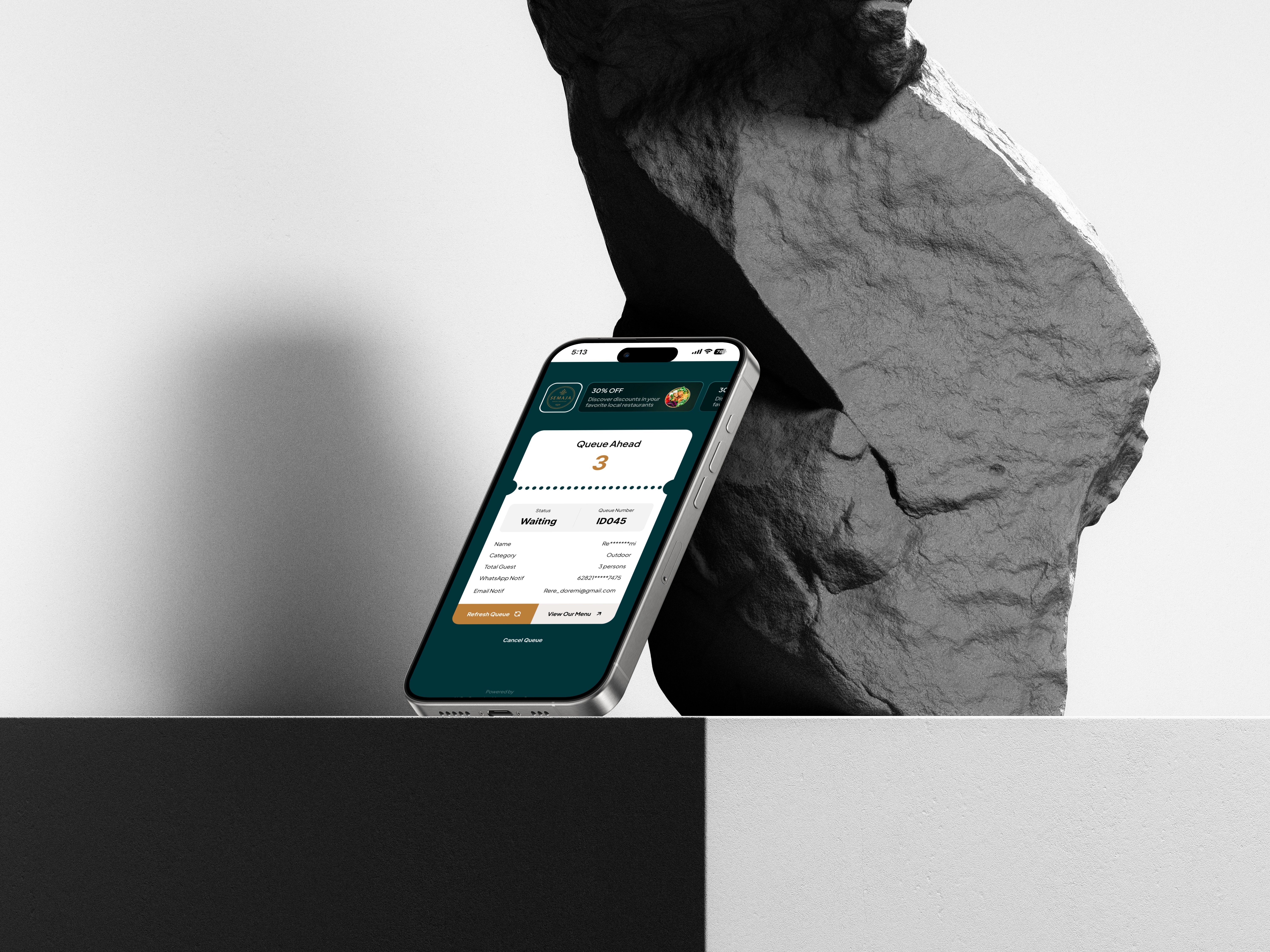
I designed the customer-facing side of QBook — a page accessed by scanning a QR code that lets customers monitor their queue status in real-time, without needing to do anything but wait for a notification.


Process
Designed the flow starting from QR scan, leading customers directly into a queue monitoring page.
Built the page to auto-update the moment GRO changes the queue status, the customer's view refreshes automatically without needing a manual reload.
Added an opt-in notification feature, letting customers choose to be notified by email once their turn is almost up.

The Impact
Customers no longer have to stand around near the outlet, anxious about missing their turn. Once they scan the QR code, they can simply walk away, run another errand, or sit somewhere comfortable — knowing the page will update on its own the moment their status changes. The opt-in email notification adds another layer of peace of mind: customers don't have to keep checking their phone every few minutes, since they'll be alerted automatically once their turn is close. This small shift — from active waiting to passive monitoring — turns what used to be a stressful, uncertain wait into something customers barely have to think about. It's worth noting this page is purely for monitoring, not booking. The queue itself is always initiated by GRO on the staff side; this experience exists solely to give customers visibility and peace of mind once they're already in line.

